

Skip to content
Business operations software for UAE SMEs

Run your day-to-day business workflows with greater clarity

Corevia One brings customer records, quotations, VAT invoicing, tasks and business documents into one connected platform for growing UAE businesses.

Trial duration, included modules and post-trial pricing are shown before registration. Payment card details are not required to start a trial.

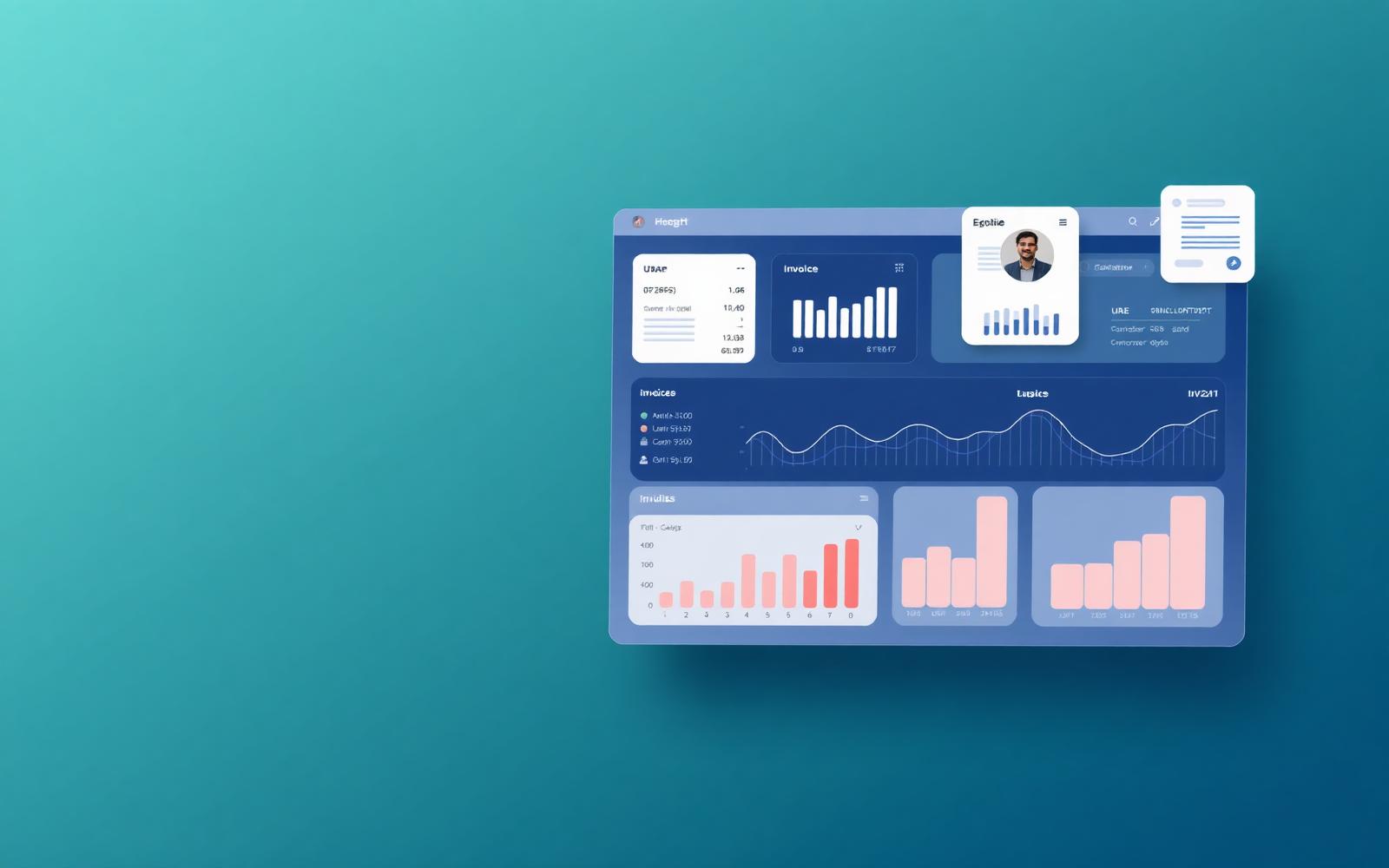
Corevia One dashboard showing quotation, invoice and task summary data.

What you can expect

  • Workflows shaped for UAE SMEs

    Configurable VAT rates, TRN fields on documents and AED pricing.

  • Guided onboarding

    A defined eight-stage setup with responsibilities written down on both sides.

  • One documented support channel

    Email support, Sunday to Thursday, 9:00 to 18:00 (GST, UTC+4).

  • Your data stays exportable

    Download records and reports as CSV or PDF at any time while active.

  • Transparent plan information

    Prices, VAT treatment, renewal and cancellation published before you buy.

The workspace

Open on what needs attention today

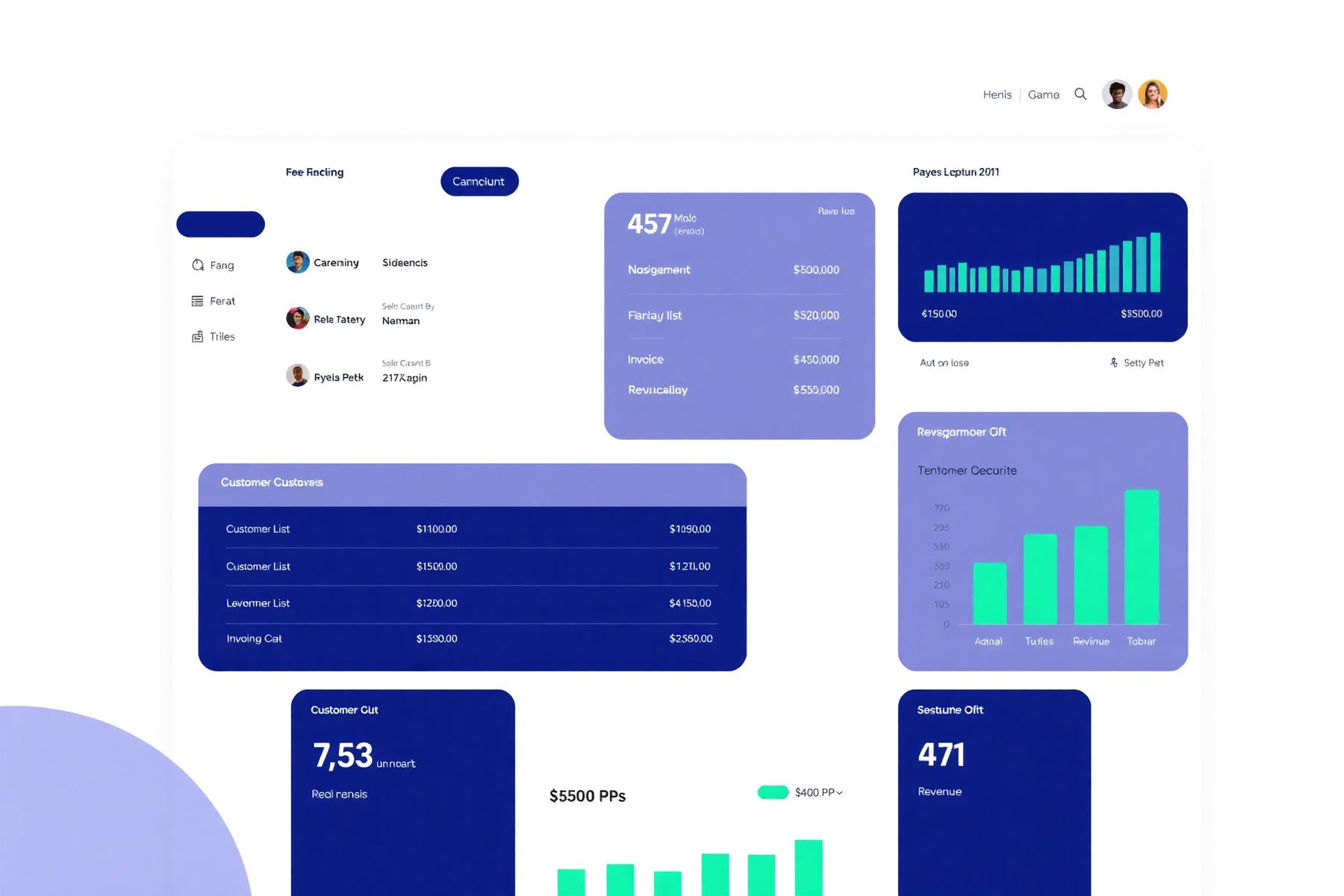
The dashboard summarises open quotations, unpaid invoices and tasks that are due. The same navigation — Customers, Sales, Invoices, Tasks, Documents, Reports, Settings — is present on every screen, so people find things in the same place each time.

Corevia One dashboard showing quotation, invoice and task data.
Example workflow

From enquiry to a recorded, settled invoice

The order in which the live modules are normally used, from a first enquiry through to a settled invoice.

  1. 1
    Record the enquiry

    Add the company and contact, with the source and the person handling it.

  2. 2
    Prepare a quotation

    Build the line items, apply your VAT rates and send the PDF from the record.

  3. 3
    Convert to an invoice

    The accepted quotation becomes a numbered invoice; VAT is shown as a separate line.

  4. 4
    Track payment status

    Mark invoices as sent, part-paid or settled so everyone sees the same position.

  5. 5
    Review the position

    Open the report for outstanding invoices, VAT summary or sales by customer.

Corevia One records payment status. It does not take or process card payments.

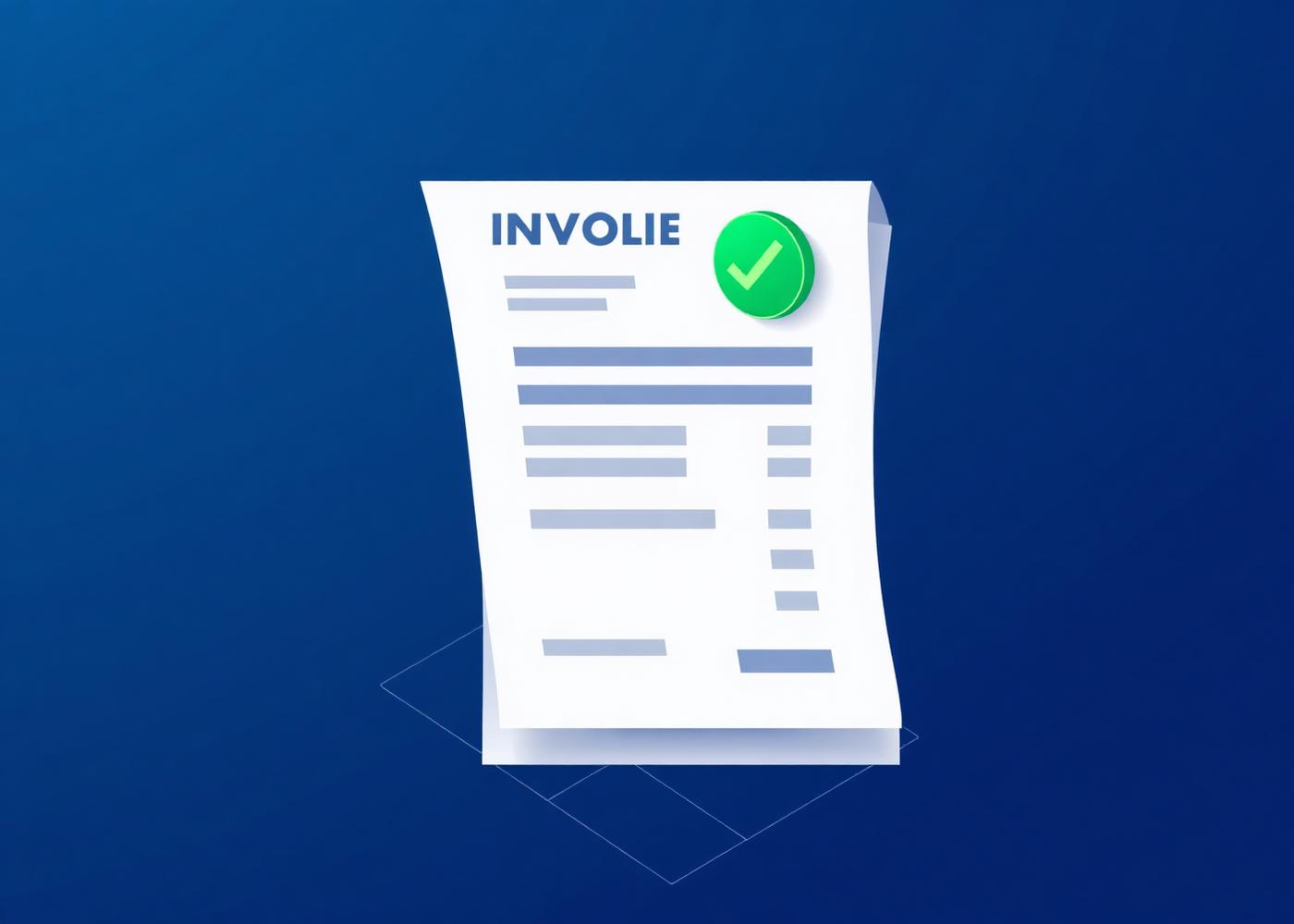
Invoice editor showing line items and configurable VAT columns.
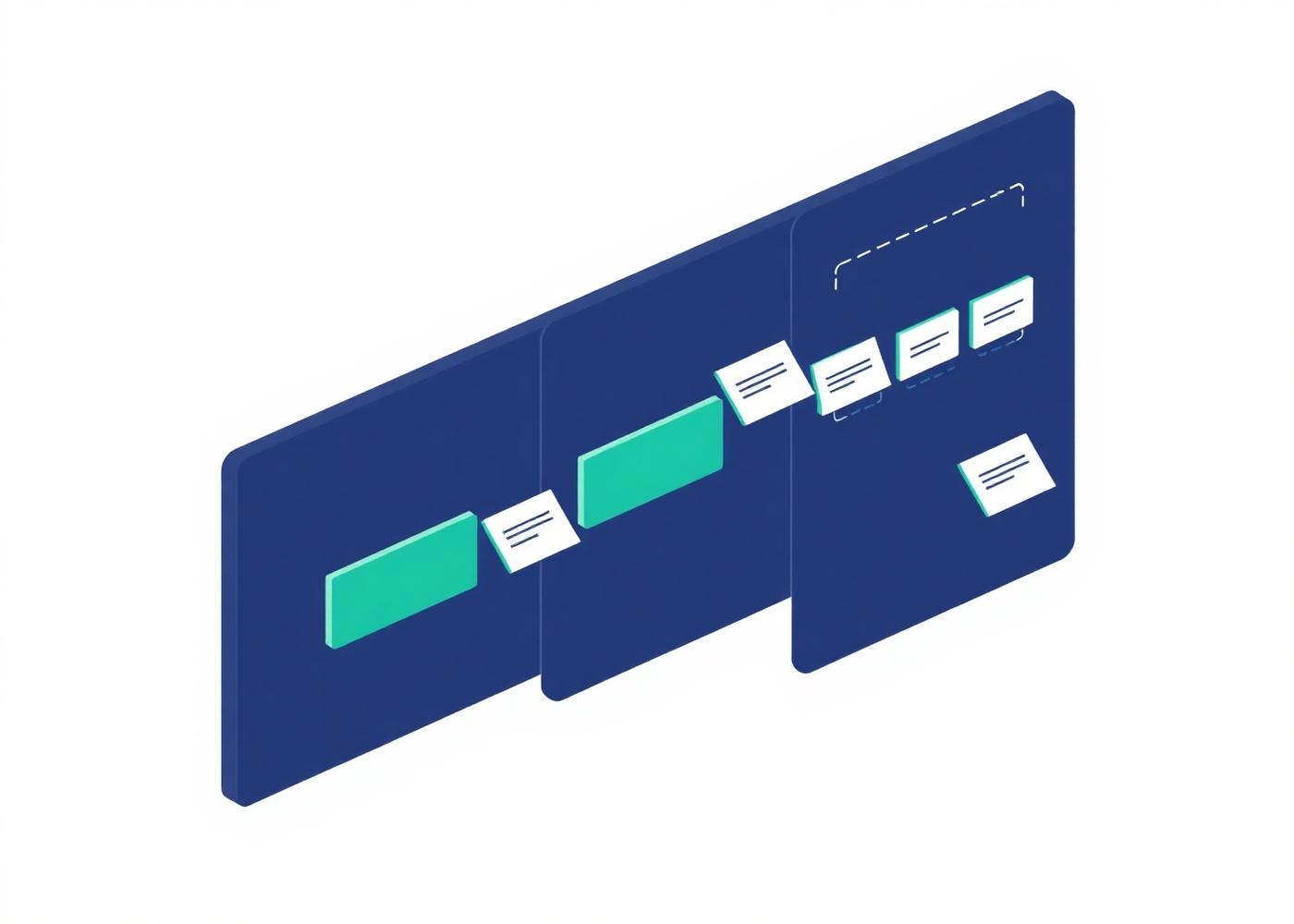
Quotation list grouped by draft, sent and accepted status.
Modules

What is live today

These modules are part of the service now.

  • Customer records

    Live

    Stores company and contact records with notes and activity history.

    Plan
    All plans
    Limitation
    Configuration and access depend on the selected account.
  • Invoicing

    Live

    Issues numbered invoices, records a customer TRN, applies configurable VAT rates and exports PDFs.

    Plan
    All plans
    Limitation
    VAT rates, numbering and TRN fields are configured per account before use.
  • Document storage

    Live

    Attaches and organises documents against customer, quotation and invoice records.

    Plan
    All plans
    Limitation
    Storage allowance depends on the selected plan.
  • Quotations and sales

    Live

    Prepares quotations, tracks their status and converts accepted quotations into orders.

    Plan
    Growth and Business
    Limitation
    Document templates are configured per account.
  • Tasks and scheduling

    Live

    Assigns tasks, sets due dates and records appointments against customers or projects.

    Plan
    Growth and Business
    Limitation
    Task types and assignment rules are set up per account.
  • Reporting and export

    Live

    Reviews operational summaries and downloads records as CSV or PDF for your own analysis.

    Plan
    Growth and Business
    Limitation
    Report content depends on the modules enabled on the account.

Not available today

These are not included in any plan and cannot be trialled or purchased.

  • Customer portal

    Not available

    A proposed read-only area for customers to access documents shared with them.

    Plan
    Not included in any current plan
    Limitation
    Not available today.
  • Workflow automation

    Not available

    Proposed rule-based reminders and status changes across records.

    Plan
    Not included in any current plan
    Limitation
    No automation rules can be configured today.
See the full module list, roles and reporting detail
Where it fits

Four ways UAE businesses configure the same workspace

The modules are the same for everyone; the configuration is not. These are the setups we work through most often during onboarding. They are typical configurations, not customer case studies.

Trading and distribution team at work in the UAE

Trading and distribution

Enquiries arrive by phone and email, quotations are revised several times and the invoice has to match the accepted version exactly.

Typical configuration
  • Quotation template with your terms, validity period and payment instructions
  • Standard and zero-rated VAT rates configured side by side for export lines
  • Invoice numbering with a branch or year prefix

Records kept: Customers, quotation revisions, invoices, delivery paperwork.

Contracting and technical services team at work in the UAE

Contracting and technical services

Work is scheduled across sites and engineers, and the paperwork trail behind each job matters as much as the job itself.

Typical configuration
  • Task types for site visits, snagging and handover
  • Documents attached to the customer record rather than a shared drive
  • Manager role limited to their own team's tasks and records

Records kept: Site contacts, scheduled tasks, completion documents, invoices.

Professional services and consultancies team at work in the UAE

Professional services and consultancies

A small number of clients, long relationships, and invoices that need to reference the engagement they belong to.

Typical configuration
  • Customer records carrying the engagement history and correspondence notes
  • Invoice lines described by deliverable rather than by product code
  • Finance user role separated from delivery staff

Records kept: Client companies, contacts, engagement notes, invoices, reports.

Agencies and creative studios team at work in the UAE

Agencies and creative studios

Several projects run in parallel, and the question is usually which quotation is still open and which invoice has not been settled.

Typical configuration
  • Quotation statuses used as the working pipeline view
  • Task list shared across the account so nothing sits with one person
  • Monthly export of outstanding invoices for the accountant

Records kept: Prospects, quotations, project tasks, invoices, brand documents.

Before and after

What stops being a spreadsheet

Most teams arrive with a workable but fragile set of habits. These are the specific ones the live modules take over.

A quotation spreadsheet per salesperson
One quotation list with a status on every line, visible to whoever needs it.
Invoice numbers tracked by hand
Sequential numbering with your own prefix, applied by the system at issue.
VAT worked out per document
Rates configured once, applied to lines, shown separately and totalled.
Attachments buried in email threads
Documents stored against the customer, quotation or invoice they belong to.
Chasing colleagues for the current position
A dashboard of open quotations, unpaid invoices and tasks due.
Rebuilding the same report each month
Filtered reports downloaded as CSV or PDF whenever you need them.

Nothing above happens on its own: the records still have to be entered or imported, and the configuration is agreed with you during onboarding.

Worked example

An enquiry becomes a paid invoice

A trading company receives an email enquiry for twelve line items, revises it twice, then has to invoice exactly what was accepted.

  1. MondayThe enquiry is logged as a customer record with the contact who sent it, and the email is attached to that record rather than left in an inbox.
  2. TuesdayA quotation is prepared from the account template: line items, the configured VAT rate per line, validity period and payment instructions.
  3. WednesdayThe customer asks for two substitutions. A revision is raised against the same quotation, so both versions stay on the record with their own status.
  4. ThursdayThe customer accepts. The quotation status changes to accepted and the invoice is created from it, so the figures cannot drift from what was agreed.
  5. FridayThe invoice is issued with the next sequential number under your own prefix, VAT shown as a separate line, and the PDF stored against the customer.

What changed is not the work; it is that the accepted version, the invoice and the paperwork are the same chain of records instead of three separate files.

Read two more worked examples
Before you trust us

No logos, no testimonials

We have not published customer names, uptime figures or integration logos, because we would have to invent them. What we can show you instead is checkable.

  • Registered operator
    Clicked IN FZE LLC
  • Registered address
    Business Center, Publishing City Free Zone, Sharjah, United Arab Emirates
  • Governing law
    United Arab Emirates, Sharjah courts
  • Named contact
    management@coreviaone.online · +971 52 483 2257
See what we can and cannot prove

Onboarding

You provide business details, users and, if you want it, clean import files. We configure branding, numbering, VAT rates, users and permissions, run the import, deliver a walkthrough session on Business accounts and hand over after you validate the setup.

Read the eight onboarding stages

The free trial, in full

Duration
14 days
Users
Up to 3 users during the trial
Modules
Customer records, invoicing and document storage
Payment details
Payment card details are not required to start a trial.
After the trial
The trial does not convert automatically. If you do not choose a plan, the account is closed and no charge is made.
Trial data
Trial data is retained for 30 days after the trial ends so it can be exported, then deleted.
Start a free trial

Review the plans and start your trial

Pricing, VAT treatment, renewal and cancellation terms are published in full. Read them, then decide.

Start free trial