
One connected workspace for the records your business runs on
Corevia One replaces scattered spreadsheets and message threads with a structured place to record customers, prepare quotations and invoices, track tasks and store the documents that go with them.
The workspace
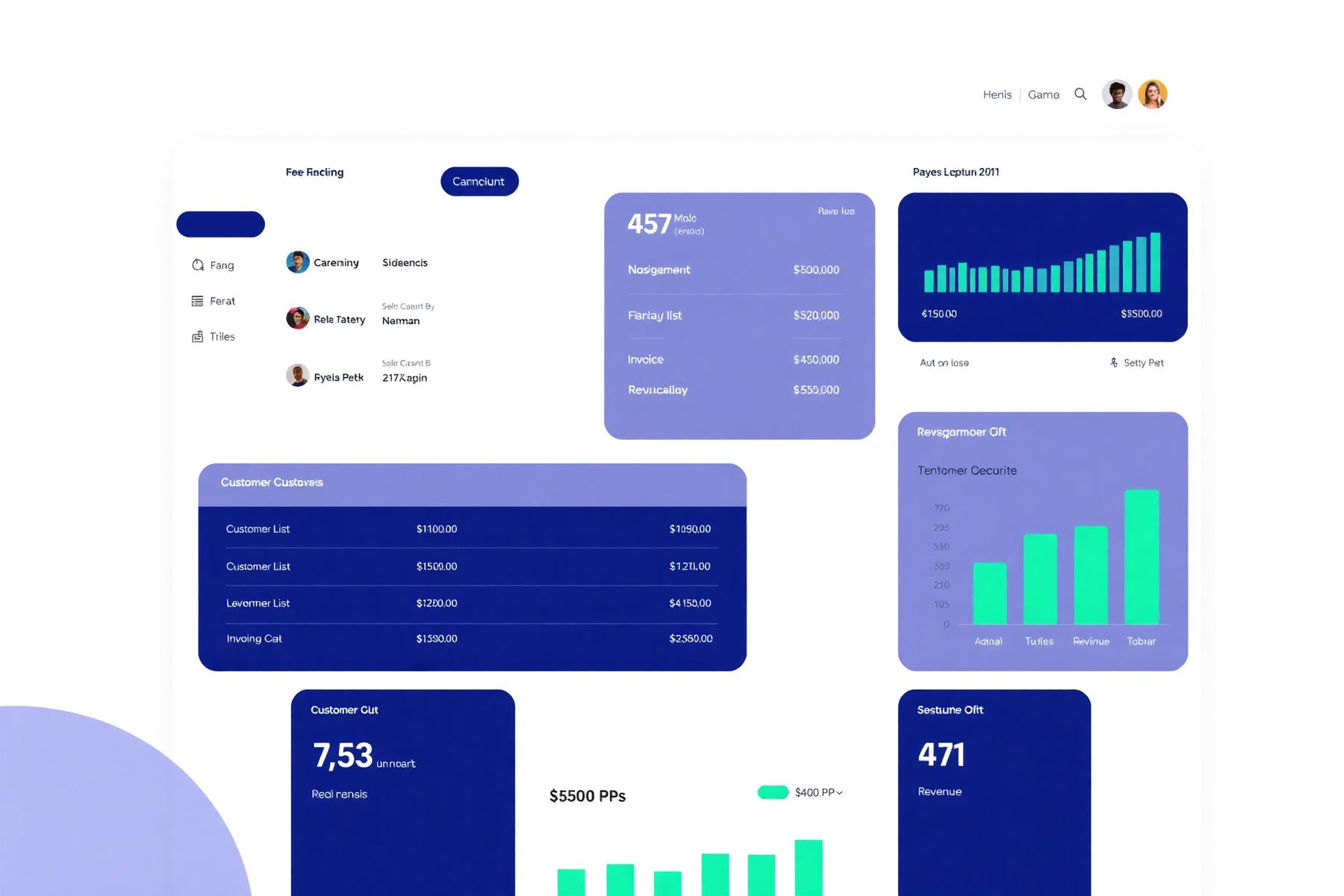
The dashboard opens on the counts that matter for the day: open quotations, unpaid invoices and tasks due. Navigation across Customers, Sales, Invoices, Tasks, Documents, Reports and Settings is the same on every screen.
Modules
Only the modules listed as live are part of the service today. Anything listed as not available is not included in any plan until we confirm otherwise in writing.
Customer records
LiveStores company and contact records with notes and activity history.
- Plan
- All plans
- Limitation
- Configuration and access depend on the selected account.
Invoicing
LiveIssues numbered invoices, records a customer TRN, applies configurable VAT rates and exports PDFs.
- Plan
- All plans
- Limitation
- VAT rates, numbering and TRN fields are configured per account before use.
Document storage
LiveAttaches and organises documents against customer, quotation and invoice records.
- Plan
- All plans
- Limitation
- Storage allowance depends on the selected plan.
Quotations and sales
LivePrepares quotations, tracks their status and converts accepted quotations into orders.
- Plan
- Growth and Business
- Limitation
- Document templates are configured per account.
Tasks and scheduling
LiveAssigns tasks, sets due dates and records appointments against customers or projects.
- Plan
- Growth and Business
- Limitation
- Task types and assignment rules are set up per account.
Reporting and export
LiveReviews operational summaries and downloads records as CSV or PDF for your own analysis.
- Plan
- Growth and Business
- Limitation
- Report content depends on the modules enabled on the account.
| Module | What it does | Availability | Included plan | Important limitation |
|---|---|---|---|---|
| Customer records | Stores company and contact records with notes and activity history. | Live | All plans | Configuration and access depend on the selected account. |
| Invoicing | Issues numbered invoices, records a customer TRN, applies configurable VAT rates and exports PDFs. | Live | All plans | VAT rates, numbering and TRN fields are configured per account before use. |
| Document storage | Attaches and organises documents against customer, quotation and invoice records. | Live | All plans | Storage allowance depends on the selected plan. |
| Quotations and sales | Prepares quotations, tracks their status and converts accepted quotations into orders. | Live | Growth and Business | Document templates are configured per account. |
| Tasks and scheduling | Assigns tasks, sets due dates and records appointments against customers or projects. | Live | Growth and Business | Task types and assignment rules are set up per account. |
| Reporting and export | Reviews operational summaries and downloads records as CSV or PDF for your own analysis. | Live | Growth and Business | Report content depends on the modules enabled on the account. |
Not available today
These are not included in any plan, cannot be trialled or purchased, and are listed only so the current position is clear.
Customer portal
Not availableA proposed read-only area for customers to access documents shared with them.
- Plan
- Not included in any current plan
- Limitation
- Not available today.
Workflow automation
Not availableProposed rule-based reminders and status changes across records.
- Plan
- Not included in any current plan
- Limitation
- No automation rules can be configured today.
| Module | What it does | Availability | Included plan | Important limitation |
|---|---|---|---|---|
| Customer portal | A proposed read-only area for customers to access documents shared with them. | Not available | Not included in any current plan | Not available today. |
| Workflow automation | Proposed rule-based reminders and status changes across records. | Not available | Not included in any current plan | No automation rules can be configured today. |
What our VAT invoicing actually does
- Records your tax registration number and your customer's TRN on the document.
- Applies VAT rates you configure, including zero-rated and exempt lines.
- Shows VAT as a separate line and totals it on the invoice.
- Applies sequential invoice numbering with your own prefix format.
- Generates a PDF invoice and credit note.
- Exports invoice records and a VAT summary as CSV or PDF.
Corevia One provides software tools for creating and managing business records. Customers remain responsible for ensuring their tax configuration, invoices and filings meet their legal and regulatory obligations. Corevia One does not provide tax or legal advice, and is not certified or endorsed by any tax authority.
User roles and access
The account owner controls who has access. Roles are assigned per user and can be changed or revoked at any time. Sign-in activity is logged.
| Role | Access | Assignable by owner |
|---|---|---|
| Account owner | Full access, including billing, plan changes and user removal. | Yes |
| Administrator | Full operational access and user invitations. No billing access. | Yes |
| Manager | Access to customers, sales, invoices, tasks and reports for their team. | Yes |
| Team member | Access to the records and tasks assigned to them. | Yes |
| Finance user | Access to invoices, payment status and financial exports. | Yes |
Customer portal access is not included today.
Reporting and exports
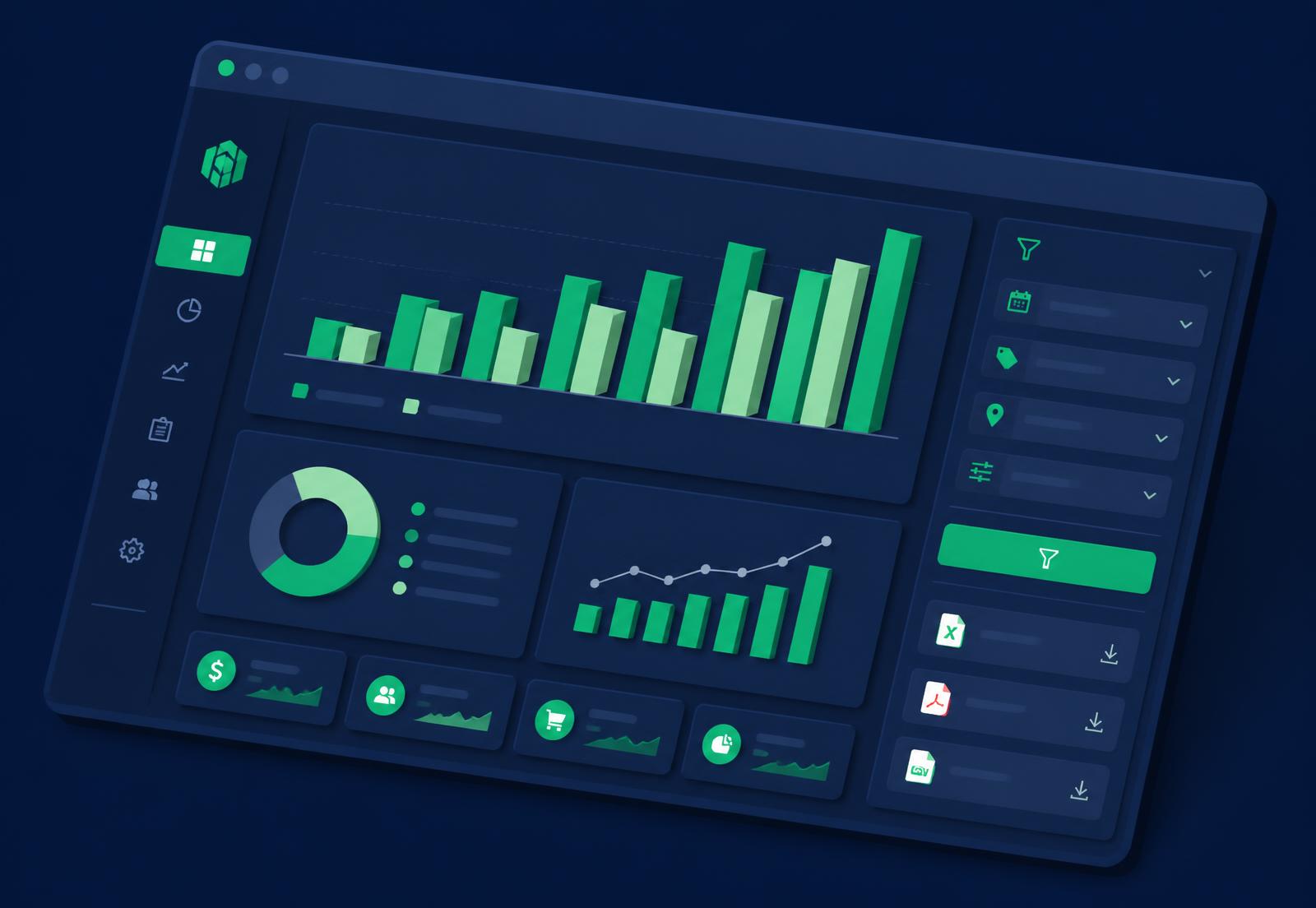
Reports cover sales activity, quotation status, invoice and payment status, VAT summary and task completion. They can be filtered by date range, customer, user and status. Figures reflect the records saved in your account and refresh when a report is opened, rather than streaming live.
Every report can be downloaded as CSV or PDF, and your full record set can be exported at any time while the subscription is active.
Integrations
We only list integrations that exist. At present Corevia One supports outbound email delivery for sending documents from your account, and CSV import and export for moving data between systems.
Accounting, payment-gateway and messaging integrations are not available today. If you need a specific connection, tell us at management@coreviaone.online and we will confirm whether it can be scoped.
How the records connect
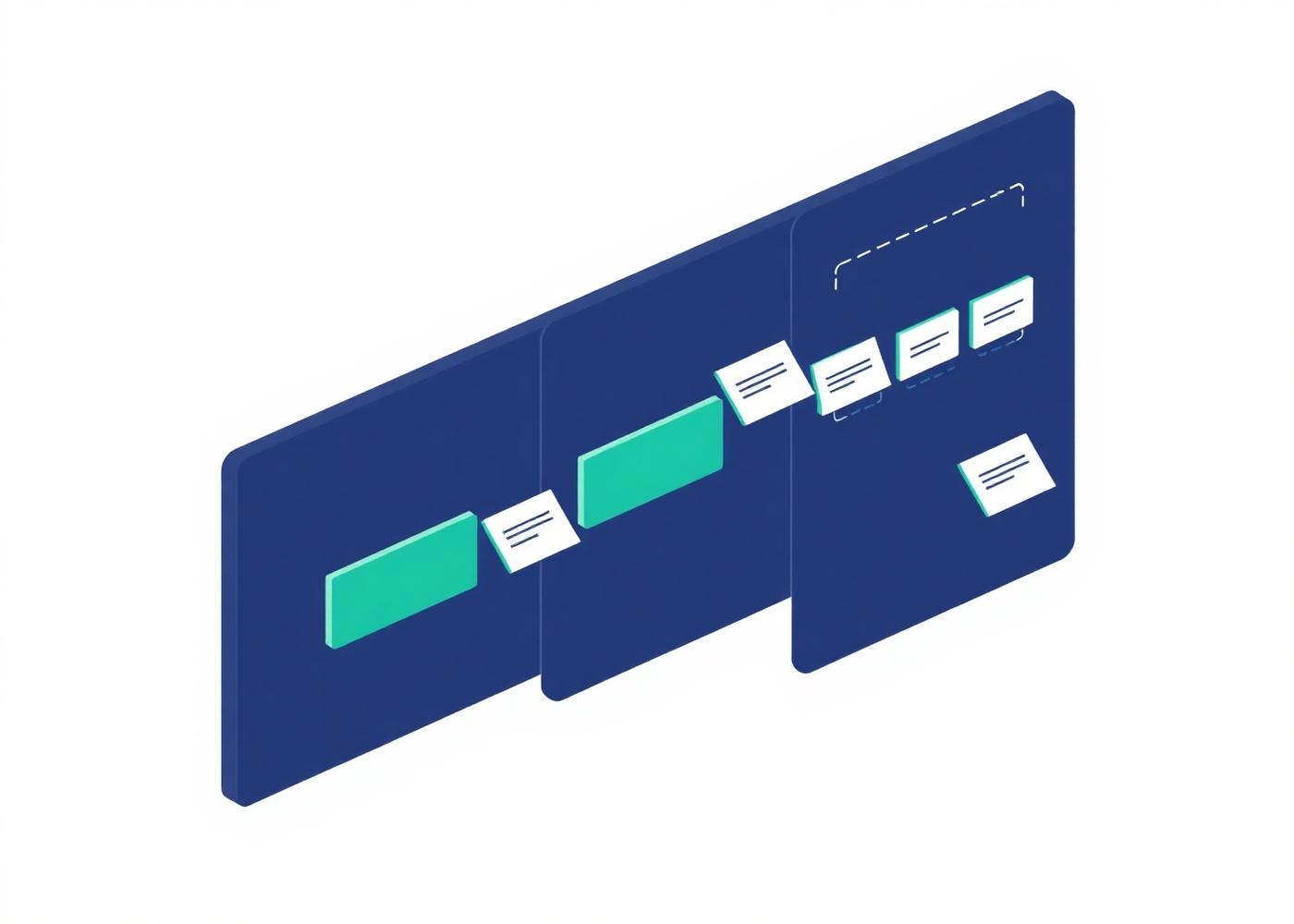
There is one chain of records in the account, and every module writes to it. That is why a document is never orphaned and why a report can be filtered by customer, user, status or date without any reconciliation step.
Records are entered by your team or imported from cleaned CSV files using the published templates. Nothing is created automatically on your behalf.
- 1Customer
The company record. Everything else in the account hangs off it.
- 2Contact
A named person at that company, with their own notes and history.
- 3Quotation
Line items, VAT treatment and a status of draft, sent, accepted or declined.
- 4Invoice
Created from an accepted quotation or from scratch, numbered sequentially.
- 5Task
Assigned work with a due date, linked to the customer it relates to.
- 6Document
A file attached to any of the records above, not to a shared folder.
What the platform deliberately does not do
Published so there is no gap between what you expect and what you receive.
- Corevia One records payment status. It does not take, hold or process card payments.
- There is no customer-facing login today; the customer portal is not available.
- No accounting, payment-gateway or messaging integrations are available at present.
- We do not provide tax, accounting or legal advice, and we are not a registered tax agent.
- We do not clean, de-duplicate or correct source data supplied for import.
Review the plans and start your trial
Trial duration, included modules and post-trial pricing are shown before registration.